NuviaVPN review: Manual, transparent VPN control for Android
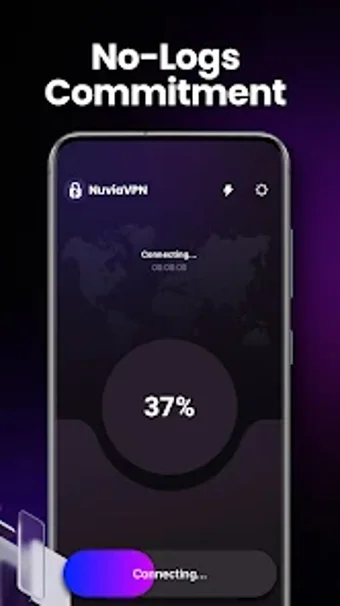
Experience a privacy-focused Android proxy with NuviaVPN, developed by Infinite Cyber Tech Solutions LLC to give users direct control over their network connections. The app provides manual, user-initiated VPN connections and applies standard encryption protocols to protect traffic while avoiding automatic background linking. It highlights a no-logs commitment and a connection overview for quick network details. The interface stays uncluttered to reduce configuration steps. Android users who prefer deliberate control over always-on convenience gain predictable, transparent network management from this tool.
What NuviaVPN delivers in practical privacy terms
The app acts as a session-based network proxy for Android, where each connection is started explicitly by the user. It pairs standard encryption protocols with a stated no-logs commitment to protect data and avoid activity tracking. A built-in connection overview exposes current session details so users can inspect routing and status directly, prioritizing visible control rather than automatic or hidden linking behavior.
How NuviaVPN interacts with device network activity
Because the tool does not create automatic or background connections, it does not maintain a persistent VPN tunnel when idle. That design reduces continuous network routing and the chance of unnoticed traffic redirection, so device network activity is limited to active sessions. The session-only model therefore lessens constant network overhead compared with always-on services that keep a background link open.
How the app handles safety and ongoing maintenance
The developer implements standard encryption protocols to secure traffic and states a no-logs commitment as a privacy safeguard. In addition, the product receives updates intended to maintain security standards, which supports continued protections against evolving threats. Transparency-first operation, combined with explicit session control, helps users verify when traffic is routed through the proxy rather than relying on opaque behavior.
Who can use this without specialist networking skills
The interface is deliberately uncluttered and avoids layered configuration menus, so users without deep networking knowledge can start and stop sessions from a simple view. Nevertheless, the hands-on session model asks users to manage connections actively; people who prefer passive, always-on privacy solutions may find the routine of manual session management unfamiliar.
Best suited to disciplined, hands-on privacy managers
The app rewards users who accept a session-by-session workflow and a higher degree of manual control, offering predictability and clear visibility into when traffic is protected. The main trade-off is the need for active management each time a protected connection is required, which makes it a less convenient choice for anyone expecting persistent, always-on protection without intervention.